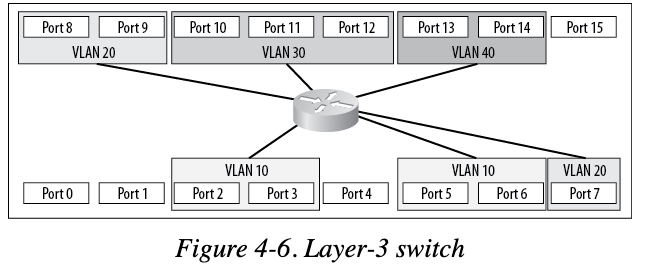
VLAN (Virtual Local Area Network)
Purpose: segment and group network to smaller network virtually within a single Network Switch. Similar to Subnet but it's virtually
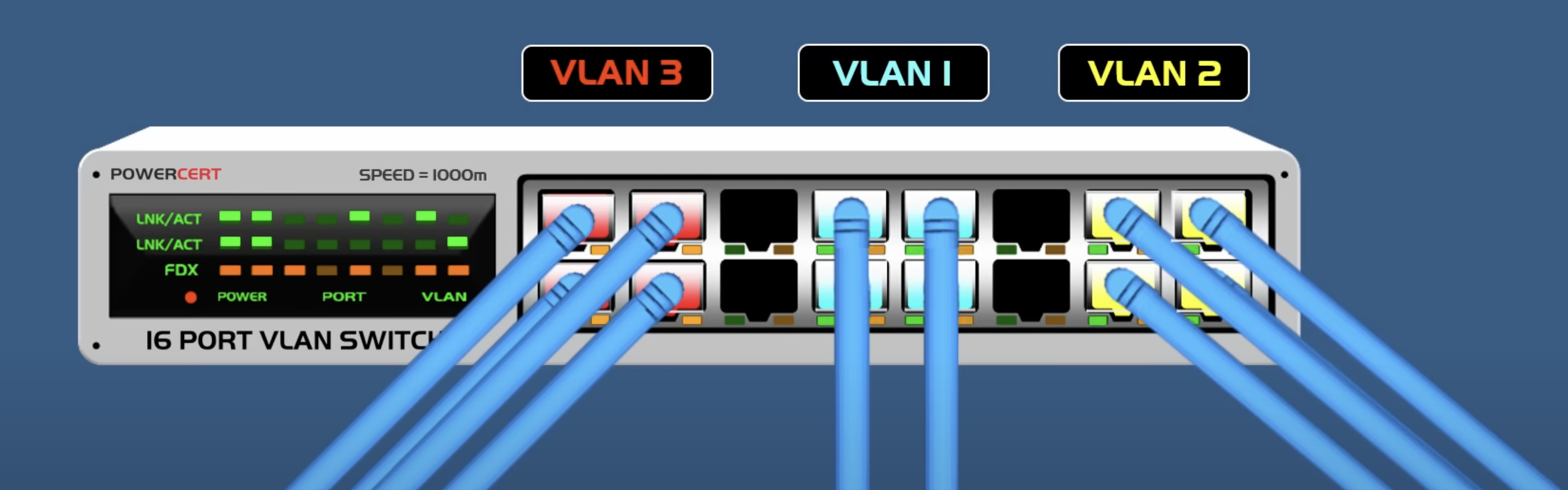
In contrast to LAN (Local Area Network), the devices connected VLAN are not bounded physically.
By default all without assinging vLAN ID (VLAN Tagging) pVID (Port vLan Identifier), it defaults 1
vLANs allow to segment the switch into smaller groups. For example, VLAN 20 has Host A and Host B and VLAN 30 has Host C and Host D
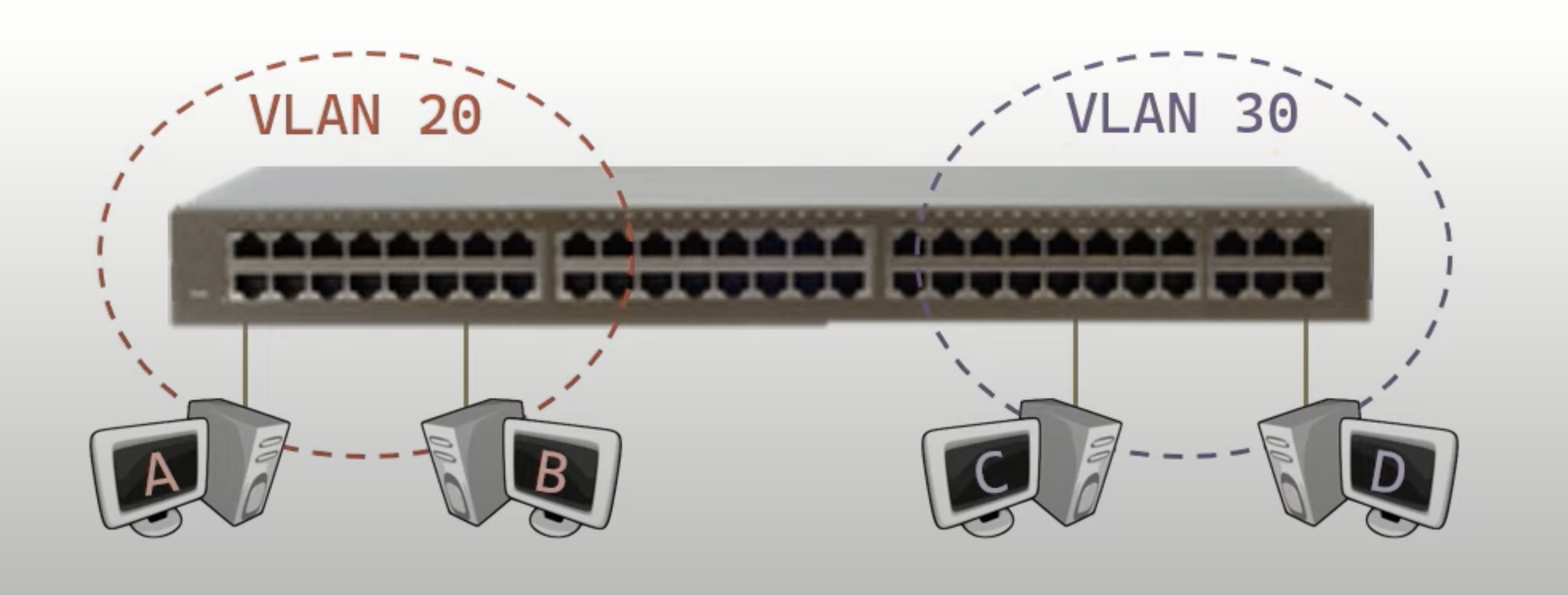
These are like mini-switches
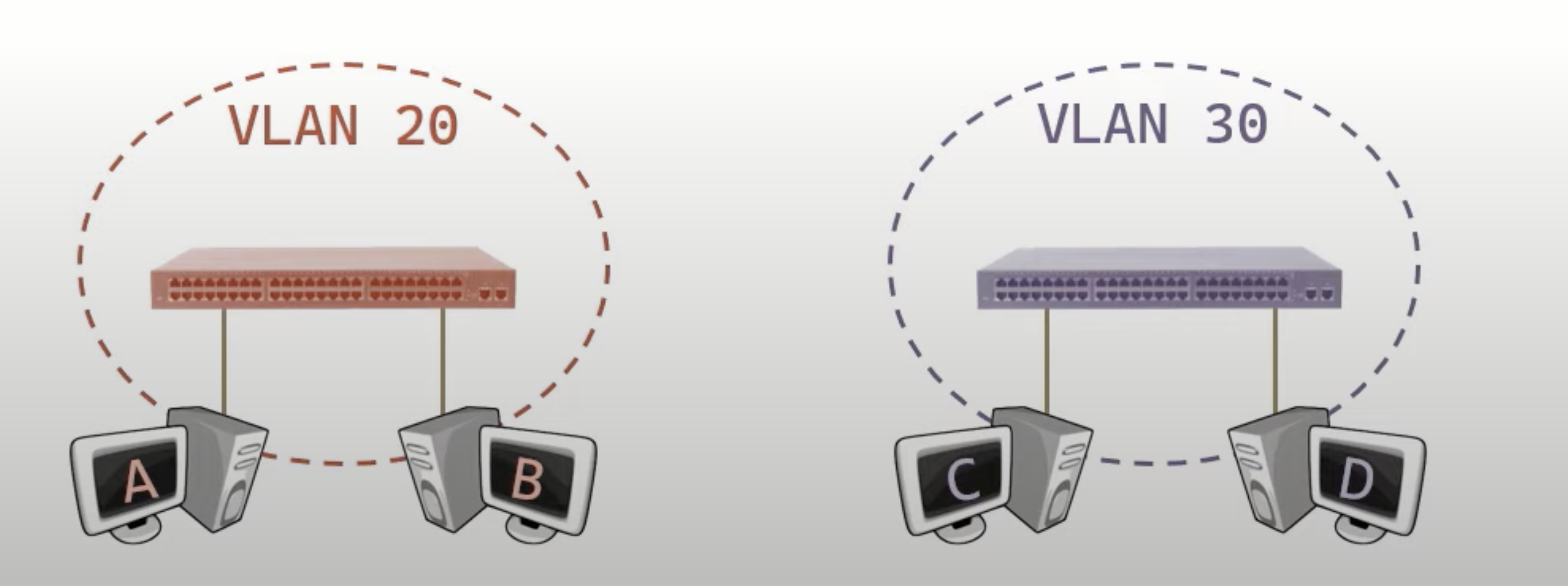
And each perform the three switch actions within each vLAN. Meaning each vLAN will have its own MAC address table.
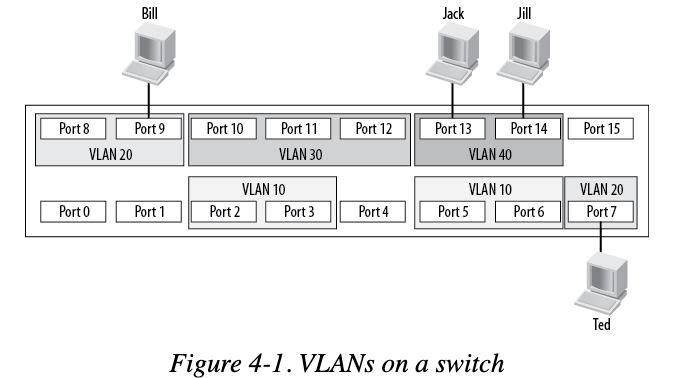
For example in here, Jack can talk to Jill but Bill won't be able to talk to Jack or Jill. Bill can talk to Ted.
vLAN vs vSwitch
vSwitchis a virtual switch (not real switch but behave like a real one)vLANcan apply on real switch and virtual switch
How to communicate between different VLAN
To communicate between different vlan. You need an external router or Layer 3 switch.
[!important]
Layer 2 switch can handle VLAN traffic but cannot route between VLAN because it works based on MAC address. To get access to VLAN we need to use IP
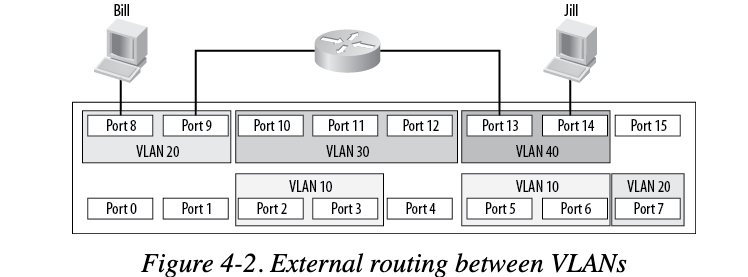
So in order to route between all VLANs, we need to establish a connection between each VLAN to the router
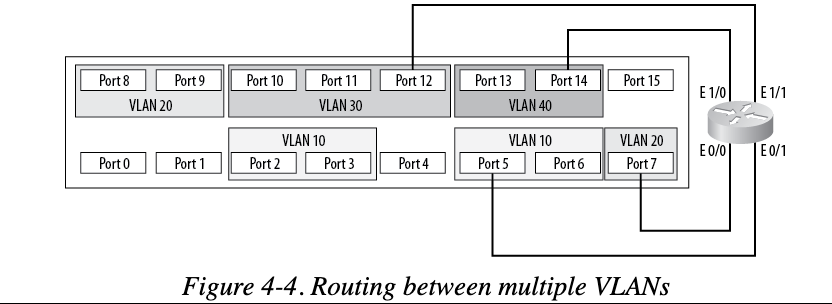
However this is clumbersome and waste of ports on the router. We can use a technique called Router on a stick which leverage VLAN Trunking for VLAN routing.
If the switch is a Layer 3 switch, it can do the VLAN routing itself without the need of any external links.